

Tools of My Trade
Things I Use to Design Books


Perhaps this goes without saying, but every designer’s process is different. In my experience, the often loosely-defined “process” is an amalgamation tools, habits, and sensibilities.
If you’ve been reading for a little while, I think you will have a decent feel for my sensibilities. Maybe even my habits—like posting too often on Substack Notes. Today, I thought it might share a little bit about the tools I use to design books.
Notebook
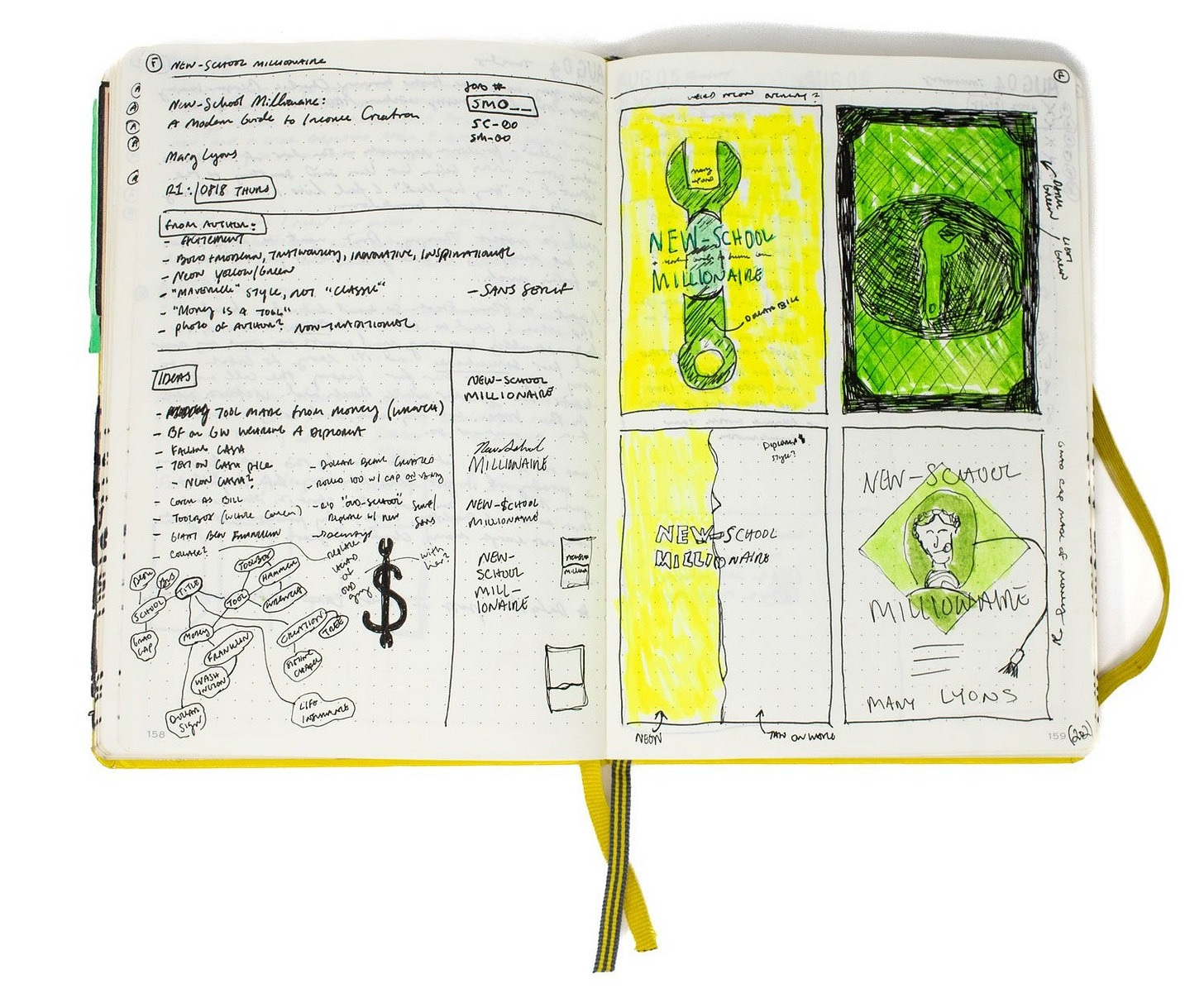
My notebook is extremely important to my book design process. With it I take notes at client meetings, brainstorm ideas, and make sketches. I primarily use an A5 hardcover notebook but I also carry with me a pocket notebook for scrap and making notes when I don’t have my bigger notebook.
Because I know folks will ask: I use a hardcover dot-grid A5 Leuchtturm1917 and, usually, a Field Notes.
Pen
I like to use Sakura Pigma Micron Pens for writing and sketching. This is not a cheap habit. Along with my notebooks, I ask for them for Christmas each year. I try to use Pentel drafting pencils, but I bend the tips without fail, so I use whatever pencil happens to be lying around. Recently I have started using Uni-ball Vision pens.
I also have a couple of fountain pens that I like, but never seem to use for long …
Studio
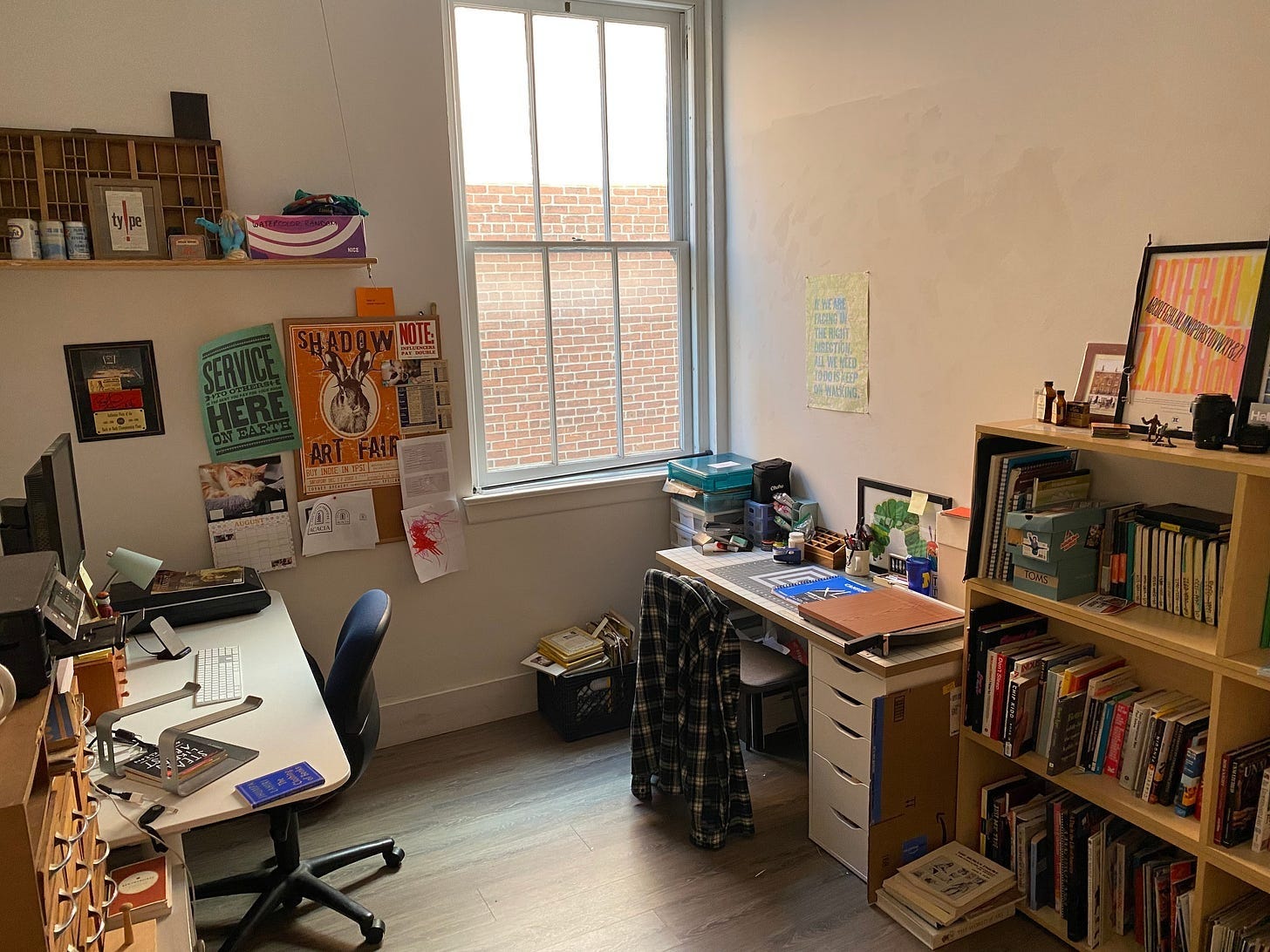
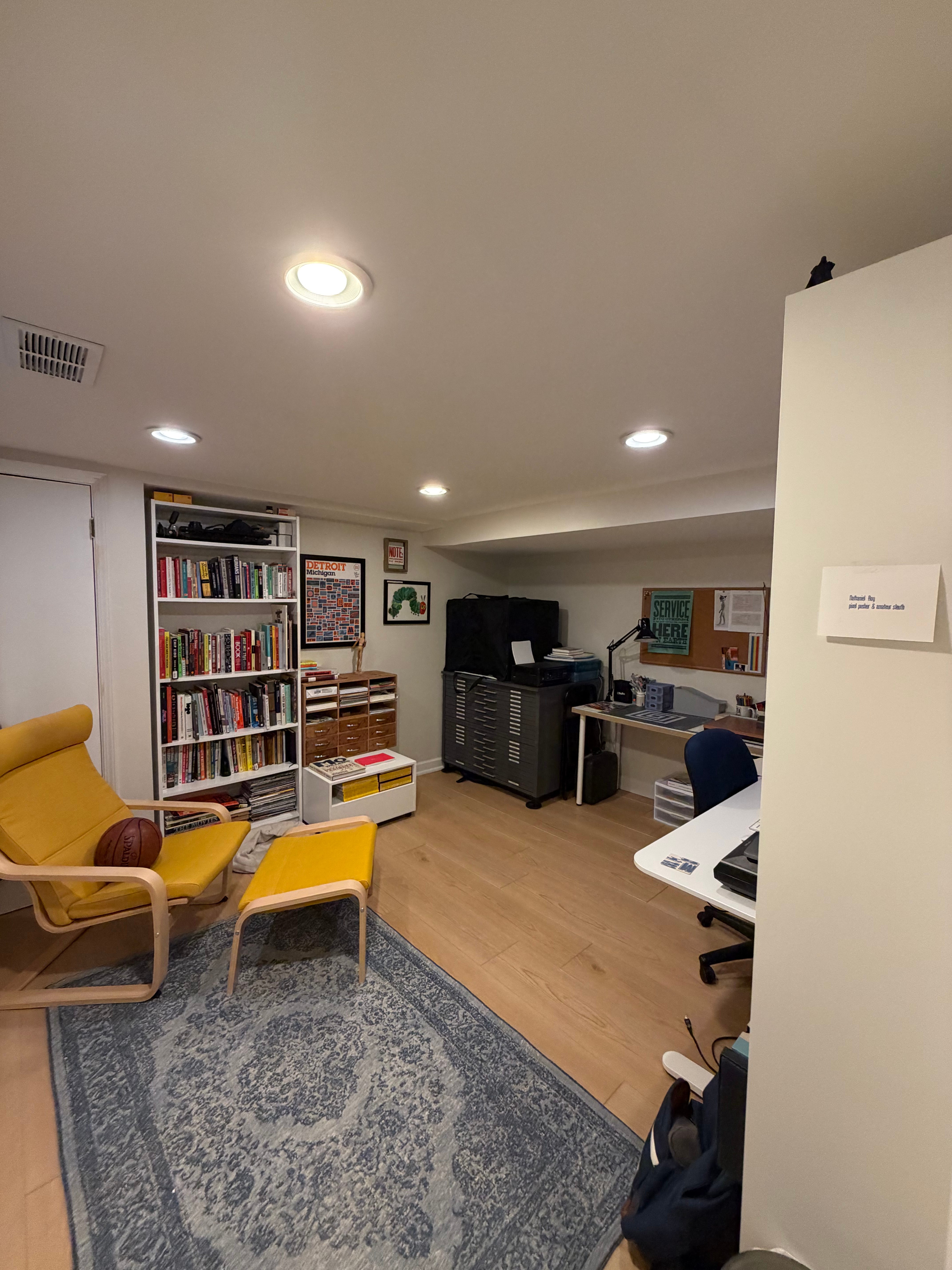
Perhaps not a tool in the way you might think, I absolutely consider my studio a tool, and an incredibly important one at that. I am an introvert who likes—no, needs—his own space, and none of my cohabitants are tidy creatures.
Until recently, I rented office space above a restaurant in the town where I live. We bought a house in December and, last month, my dad and I (mostly my dad) finished a new studio space in my basement. It’s my favorite little room in the world.
Desk
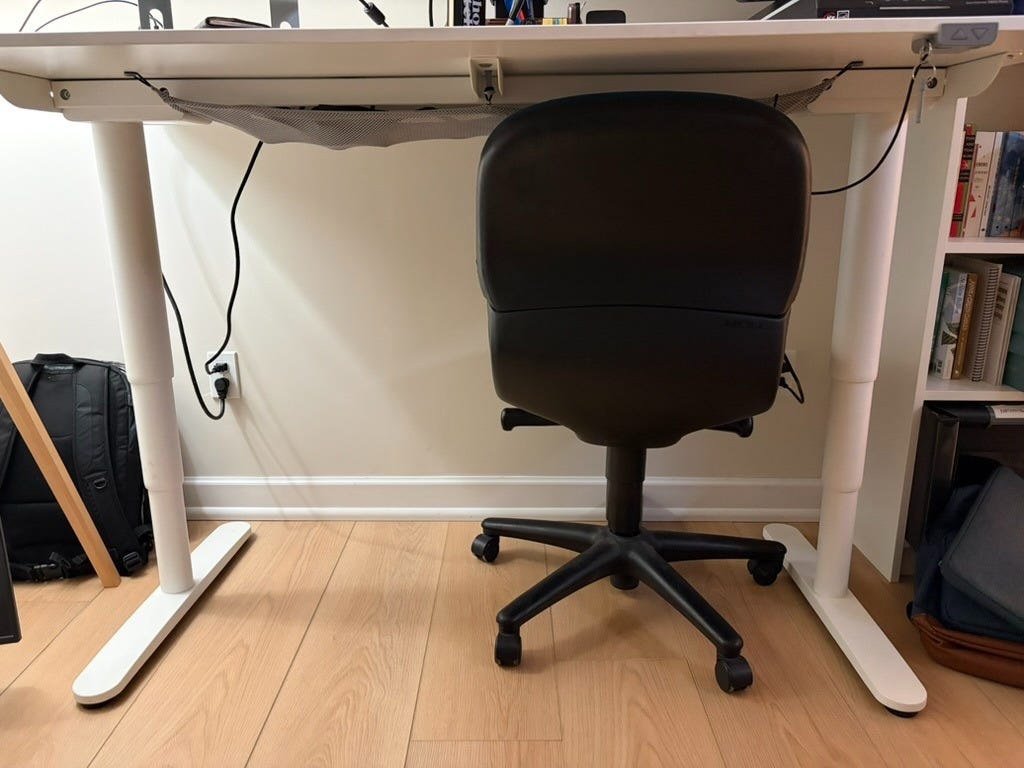
On something of a whim at IKEA several years ago, I bought this big, standing desk. It has served me well, even if I don’t use it to stand all that often. One of my favorite features is its mesh netting running along the length of the desk’s bottom, helping to keep all of my various cords and cables (sort of) tidy.
Computer
Right now I am using a 2024 Macbook Pro. Before that, I used a 2021 Macbook Pro, until my daughter knocked over the glass of water I left out and onto my backpack containing said computer. Before that, I used a 2012 Macbook Pro. I’m proud that it lasted nine years. The computer, of course, houses the programs I use to create my design work.
I used to be very anal retentive about cleaning my computer. I am less so today—but I still will flinch and possibly break off your finger if you touch the screen intentionally.
Right now, I just use a monitor from my job. Couldn’t even tell you the model if I tried. In the last 18 months, I’ve done a lot of work from the couch while holding a baby.
Adobe Programs
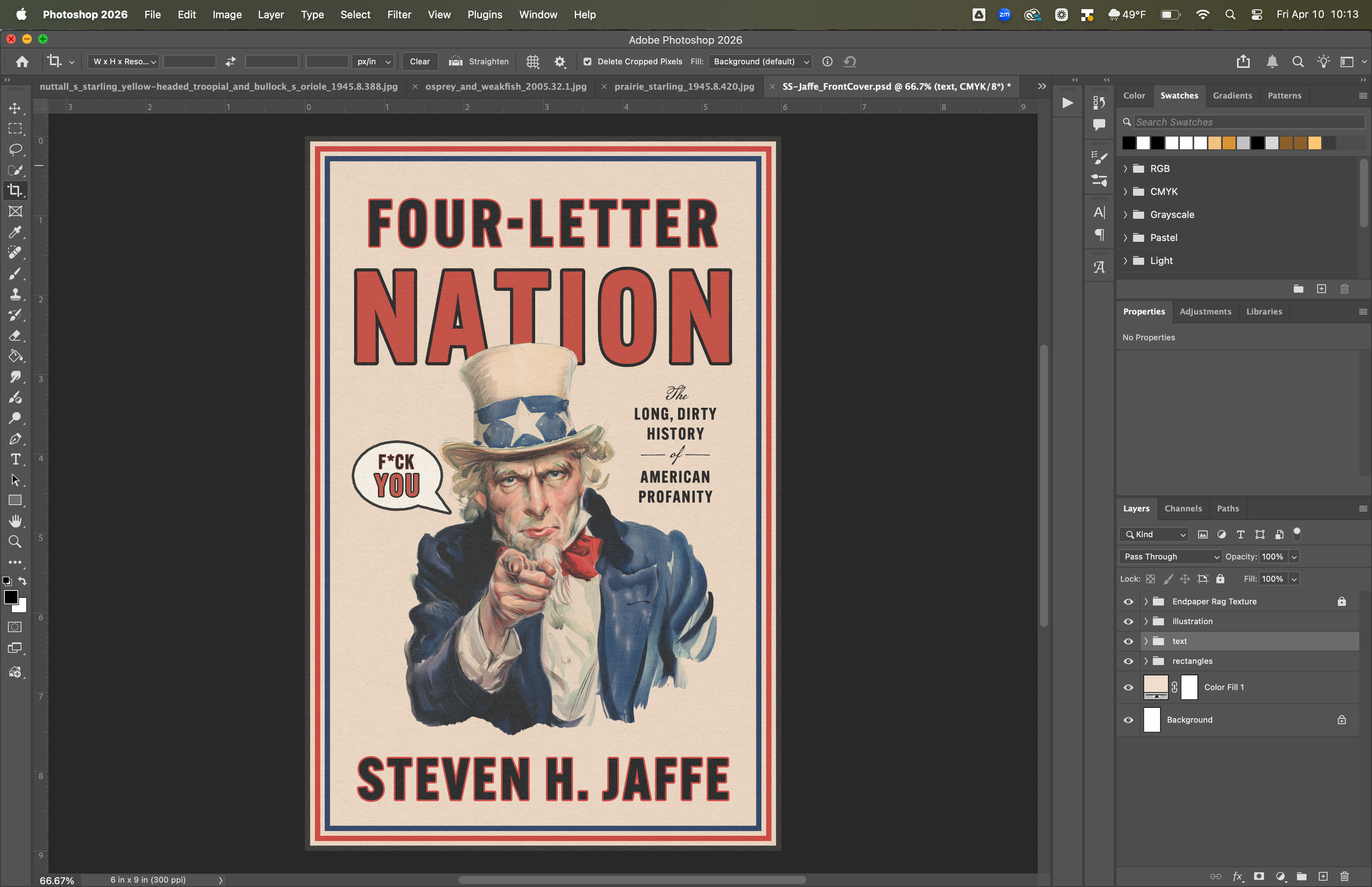
I primarily design front covers in Adobe Photoshop. Full covers and book interiors get designed in InDesign. When setting lots of type, use a program that’s designed for it. I use Illustrator when a cover has flat, vector graphics.1 I’m not much of a (lowercase) illustrator, so I don’t use programs like Procreate or even an iPad. At least not yet.
Adobe has its problems, and on occasion I’m tempted to try out a competitor like Affinity, but I don’t have much motivation (or time) for that. Adobe is still the industry standard and I know it well.
An Adobe subscription also comes with access to Adobe Fonts, which is handy.
Vellum
Vellum is a book formatting software great for self-publishers without the technical know-how to use InDesign. I don’t use it often—I bought a copy seven years ago when AADL was a freelance client and was using the program to lay out their books—but it’s still a tool on the belt, and I did use it for one self-published project last year. If I use it, the client always knows, and I charge accordingly.
Note: The Vellum hyperlink above is an affiliate link. I earn a small commission if you purchase a copy of the program.
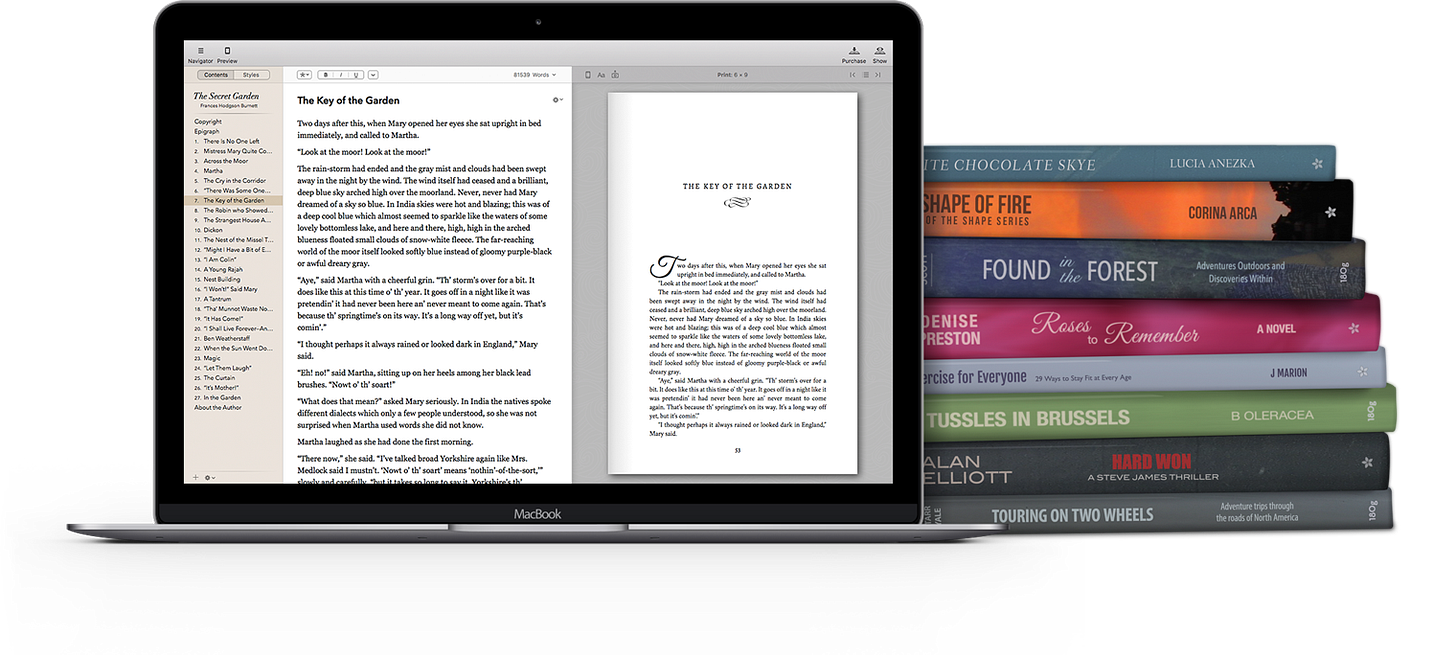
Image websites
I use so many damn image websites. I probably use Adobe Stock the most, and then when needed I use iStock and Shutterstock. If the publisher is paying for the images, I’ll sometimes use Getty or one of the other big boys.
I also use a fair amount of public domain imagery. There’s a big list of these sites on my Book Design Resources page.
Camera
I don’t use my own photographs in my book cover designs as much as I would like to, but the camera is still an important tool in my practice. I use the camera to document my finished work as well as works in progress.
As of yet this is not connected to book design (until I make a photo book, that is), but street photography is also an occasional hobby of mine.
I have a Canon Rebel T6s and a Fujifilm X-T30.


Portable Photo Studio
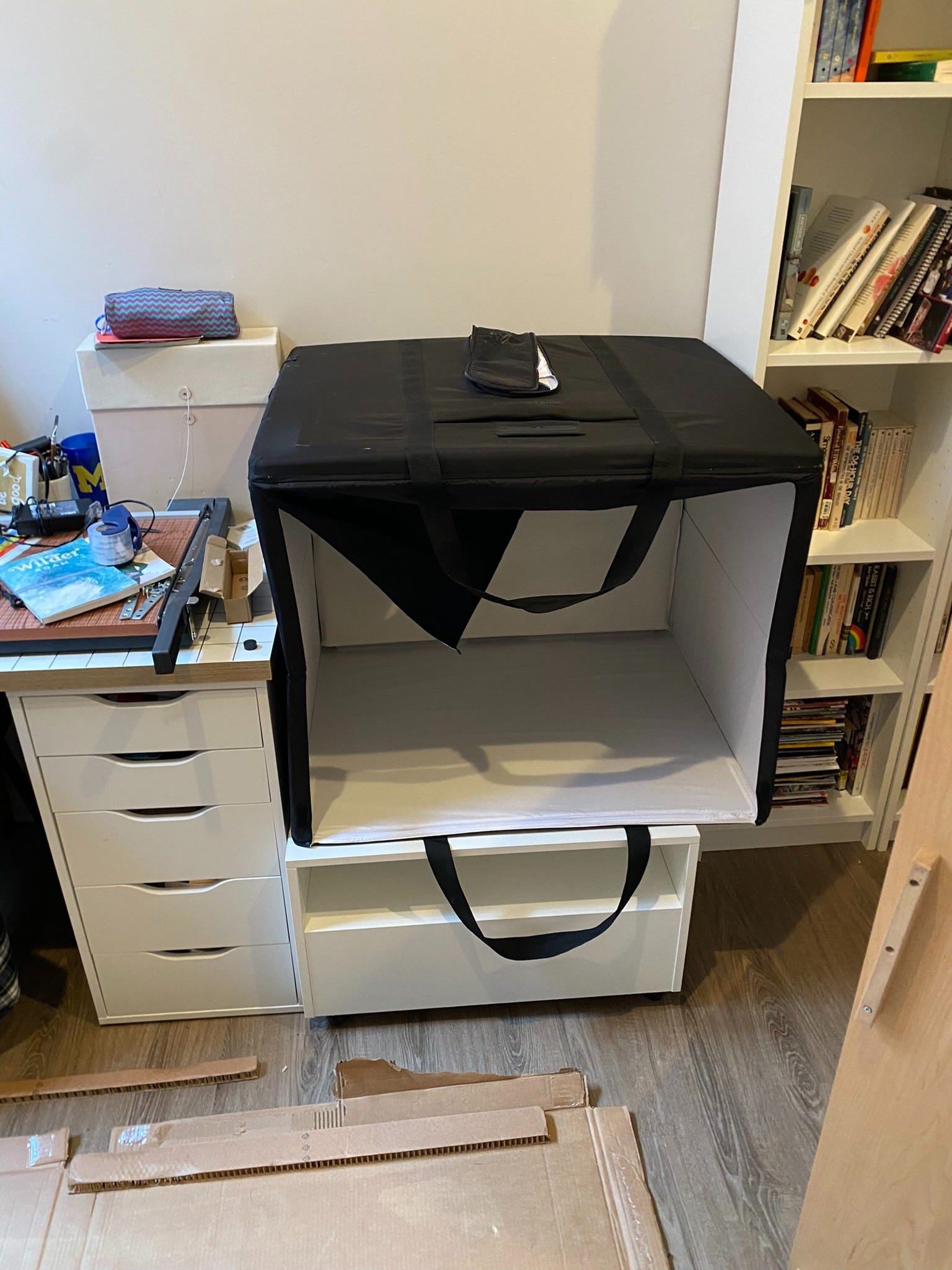
In conjunction with my camera, I use a foldable, portable photo studio to shoot photos for projects and document my work and the ephemera I’ve collected over the years. I’d like to start using it to shoot stock photos.
I bought this one made by Amazon Basics.
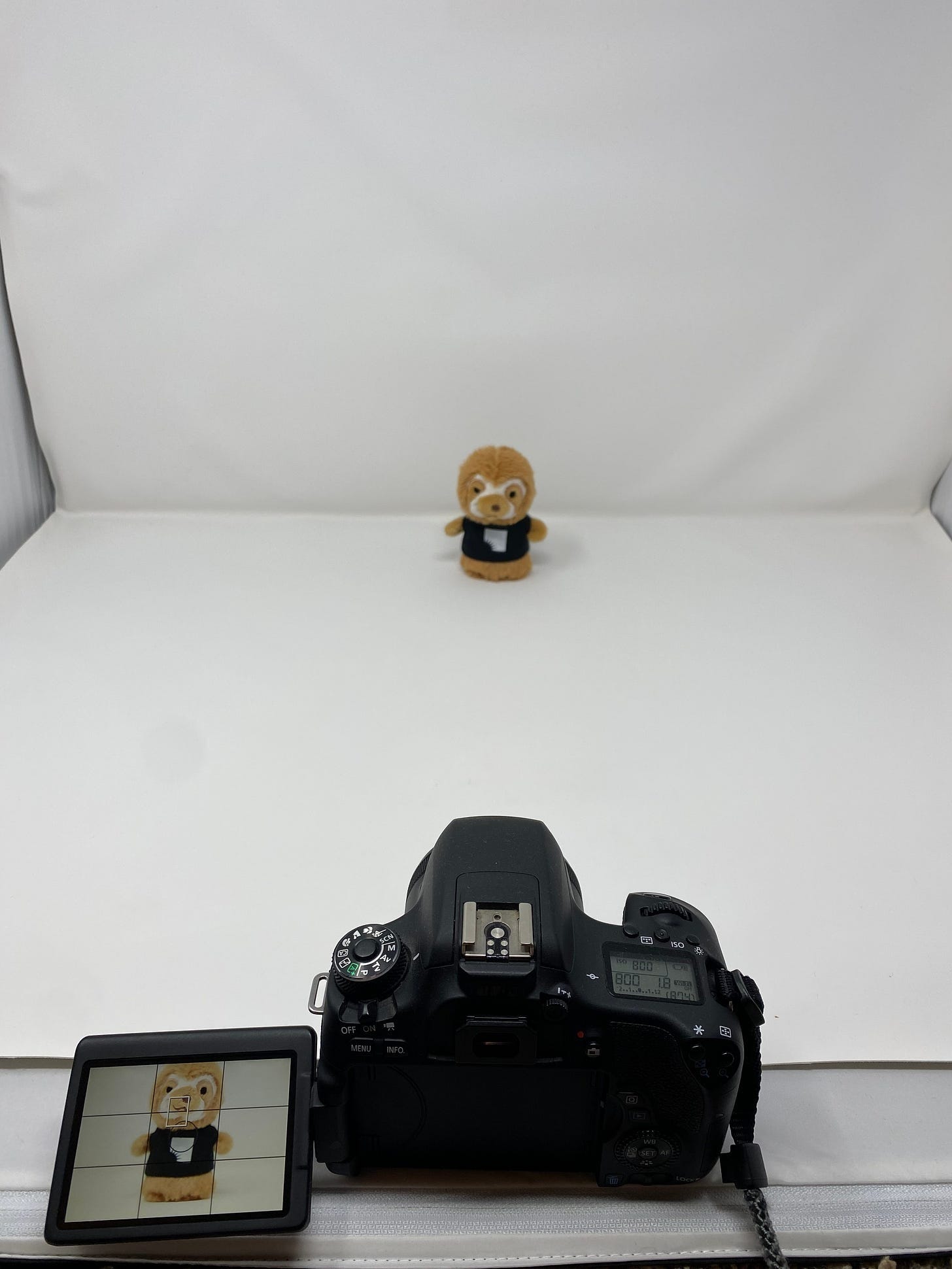
A little photoshoot for my job at the library …

… that turned into this social media graphic.
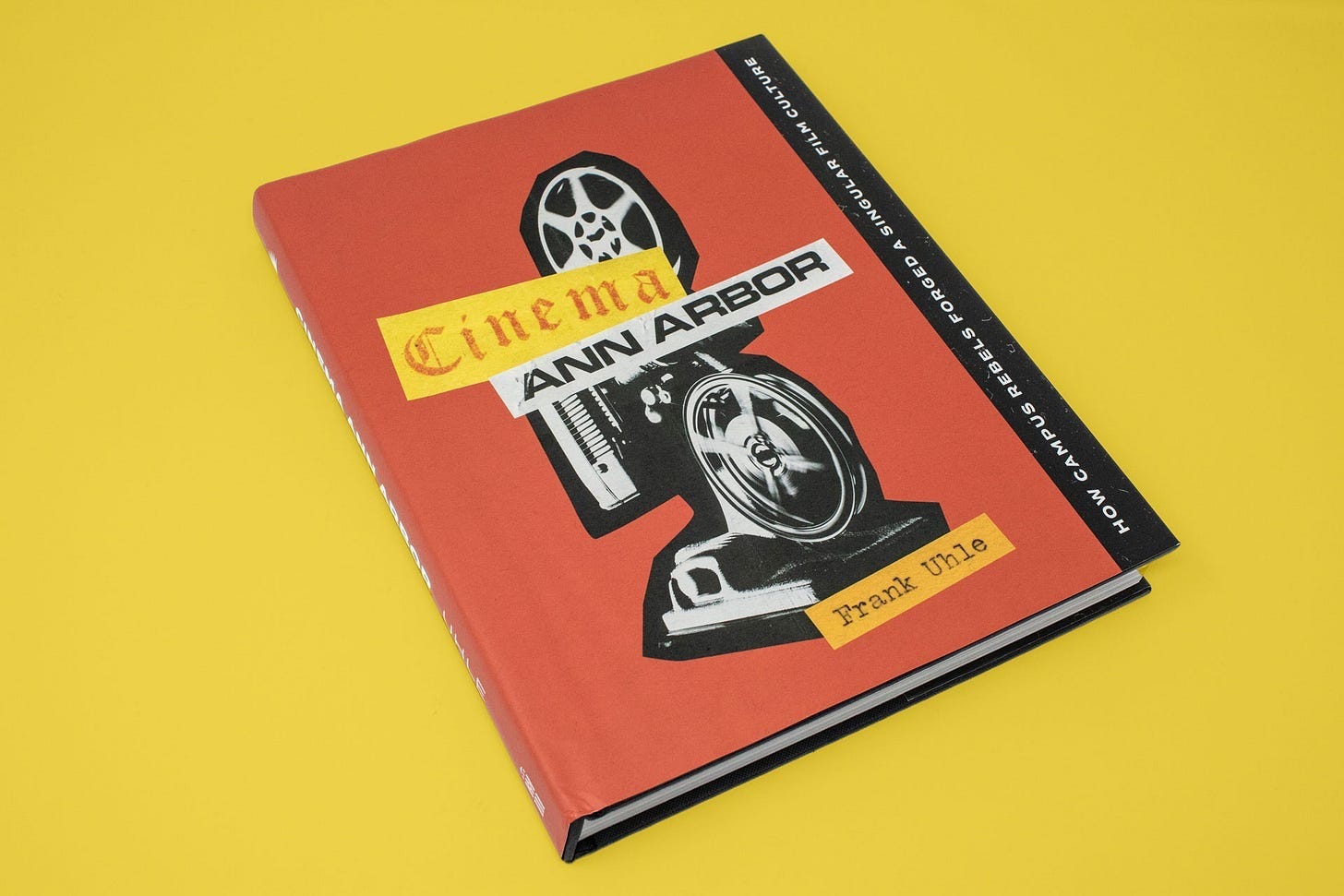
I shot this photo of Cinema Ann Arbor in my photo box, edited it in Lightroom, and added the yellow background in Photoshop.
Phone
When a book cover requires handwriting, I will often just snap a photo with my phone and then send it to myself to process in Photoshop. Scanning is better, but I am sometimes lazy. I also use a few apps like Lightroom, Airtable, Basecamp, and Google Drive.
Airtable
Airtable is my project management tool of choice. I have not been great about updating it since the baby was born. Airtable is a powerful database tool with many automations and features that blow my mind.
A few years ago, I used it to send automated and customized cold emails to potential clients. The success rate wasn’t high, but the process was fast and it did lead to more work. Doing so kickstarted this phase of my freelance career.
Wave
Wave is an online, free accounting software. I use this to track business expenses and export profit/loss sheets for tax time. It’s pretty good for being free and helps keep my overhead lower.
Squarespace
I host and designed my website through Squarespace. It’s not the cheapest option, but I like it and am not a web designer. It works for me. I’m sure someone will chime in with a better alternative in the comments.
Google Workspace
When I first started using Squarespace, it included a year of Google Workspace. After Adobe Creative Cloud stopped letting you sync its folders locally, I decided I wanted a new storage solution and started a Google Workspace subscription with Google directly. I currently have 2 TB and it syncs between the cloud, my computer, and my phone.
Scanner
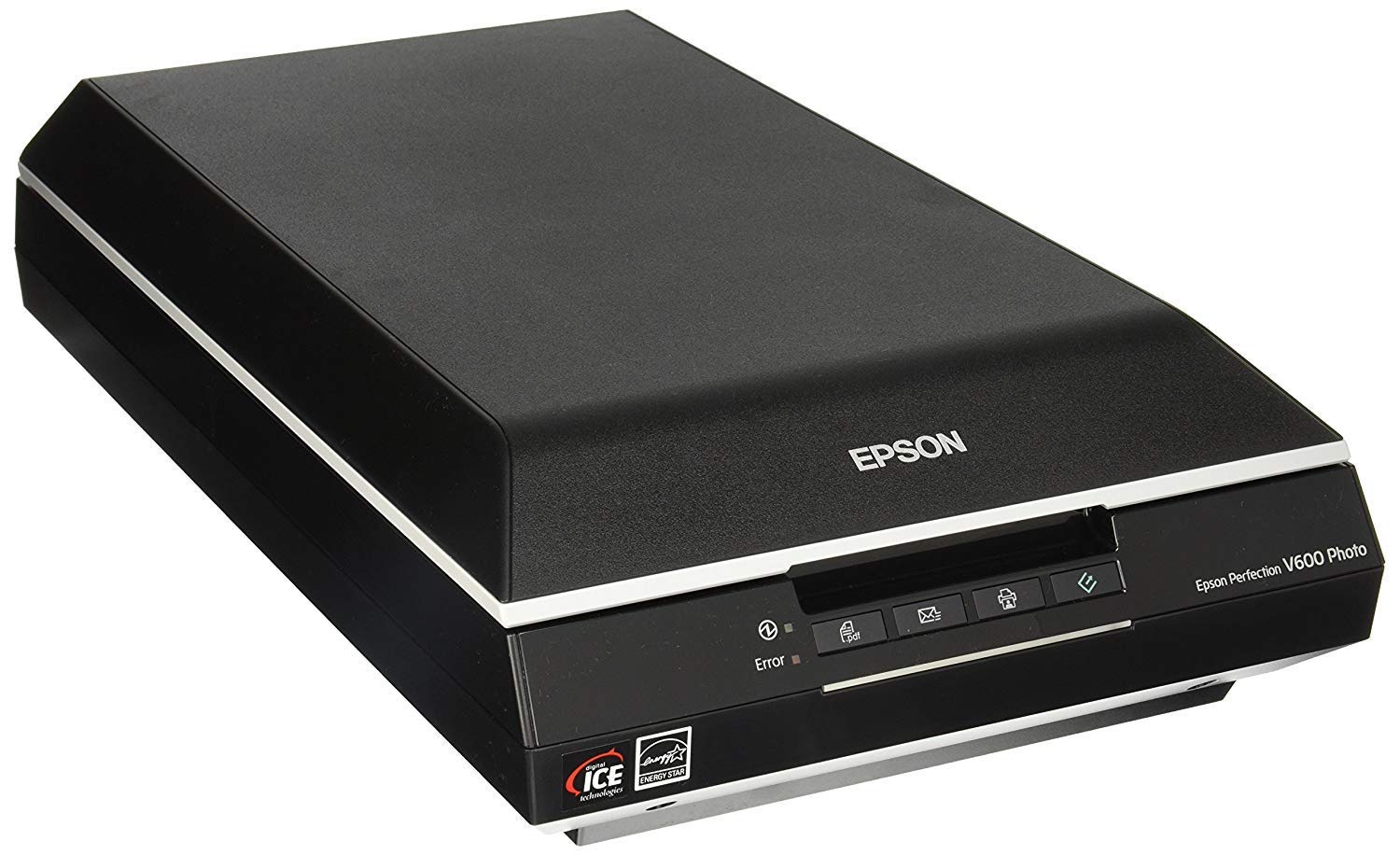
I use an Epson V600 scanner. From my research, it seemed like the best of the budget-friendly options. You can drop some serious cash on a scanner. I use this to scan collages, handwriting for book covers, and many things in between.
X-Acto knife
I use an X-Acto knife to make collages. I have a bunch now, of various sizes, including my favorite which has rubber grip from top to bottom and can store multiple blades inside itself, accessed by a screw top.
Cutting mat
I use a self-healing cutting mat from Fiskars, 18x24’. I don’t know what I’d do without it. I keep a pocket-sized one inside my backpack for collage-on-the-go.
Hamilton Flat File
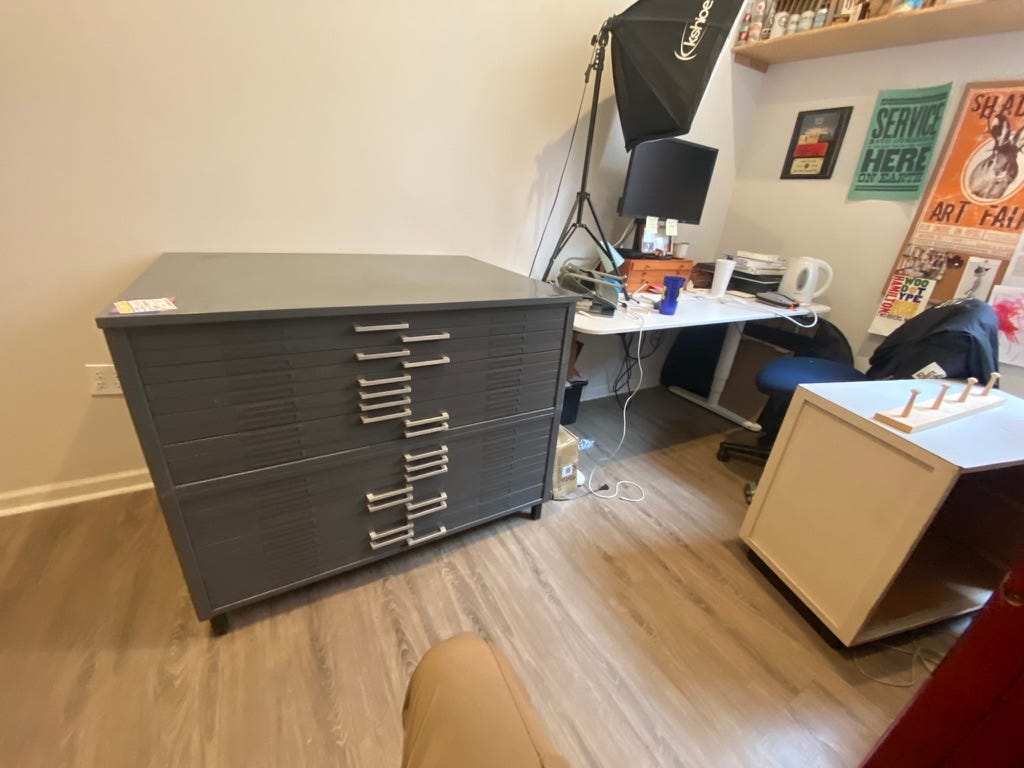
I bought this behemoth last year from the local thrift shop for $500. I couldn’t pass it up—it was made by Hamilton, a company that is a former producer of wood type, type furniture, and is now a wood type museum in Two Rivers, Wisconsin. I saw a listing for the same cabinet on Ebay for over $1,800.
I’m still figuring out the best way to use it, but right now I use it to store collage cuts and scraps, vintage ephemera, posters, old design work, photographs, and other stuff. I finally printed labels!

Thanks for Reading!
I may be forgetting a thing or two, but that is basically it. Thanks for reading!
If you’d like to keep this newsletter going and help me say no to designing soul-sucking books about corporate events, email marketing, and raising capital, consider becoming a paid subscriber or buying me a coffee.
Until next time,
Nathaniel
Thanks for sharing this!!
That was such a cool peek into the trade!